Login/Sign Up Sign Out
{{ messageCategory.totalUnreadNum }}
APSGO LOGO
{{ item.sku_info.spec_desc }}
{{ item.count }}x
Combination {{ combo.product.name }}
{{ combo.sku_info.spec_desc }}
x1
Total Price:
View Cart
No APPS available
{{ carts.count }}件
Cart
Home Overview Icecream Screen Recorder is a multifunctional screen recording tool software
Icecream Screen Recorder is a multifunctional screen recording tool software
-24% OFF!
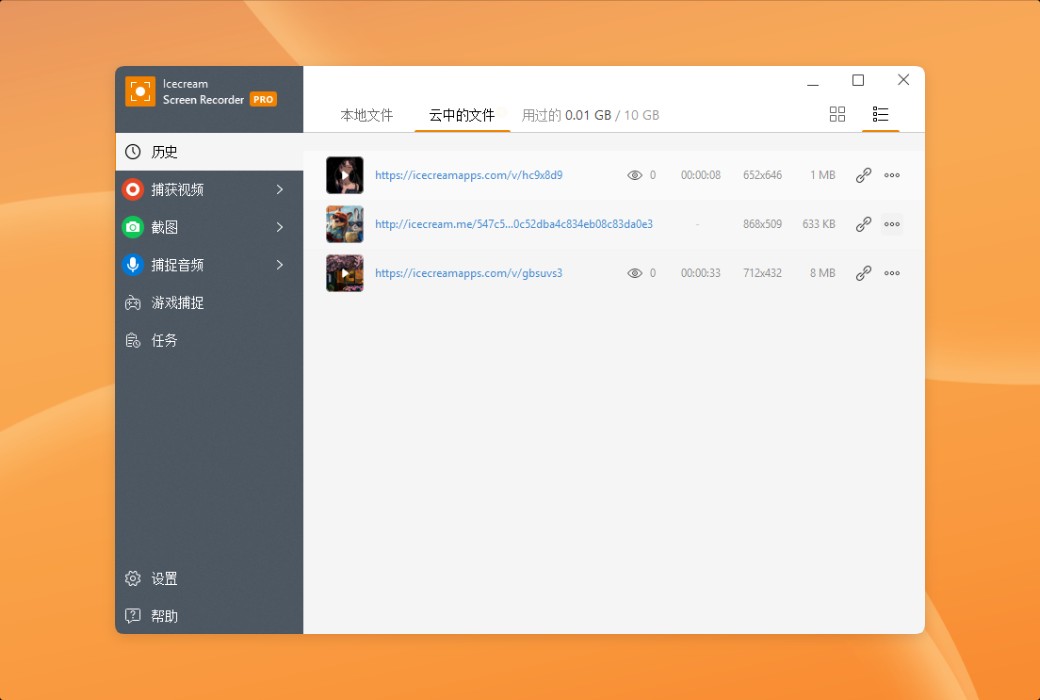
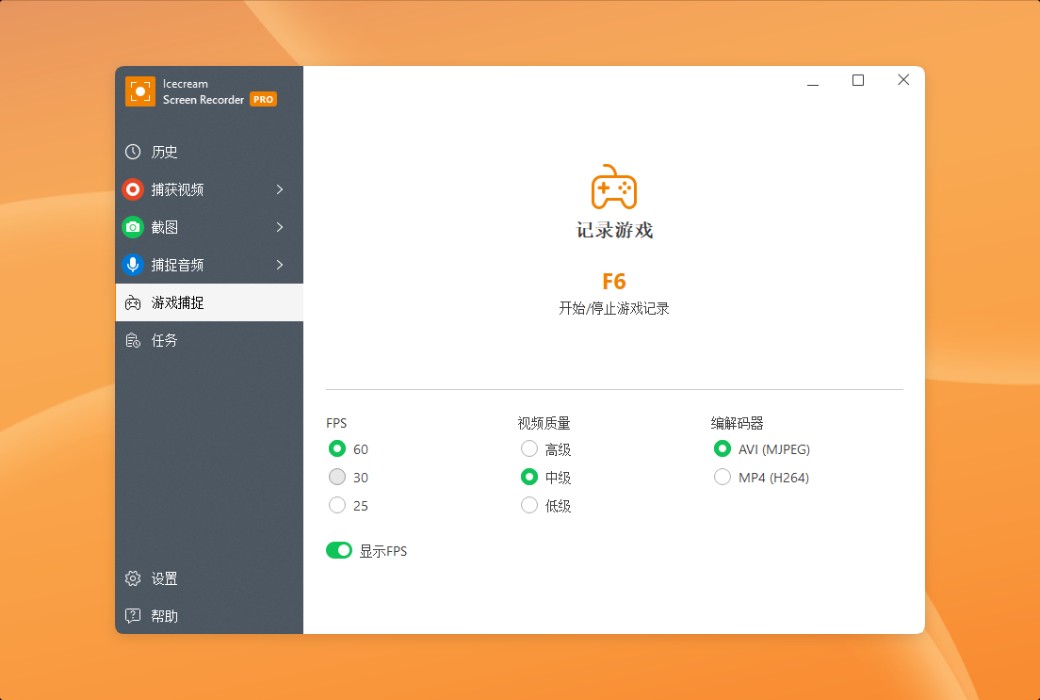
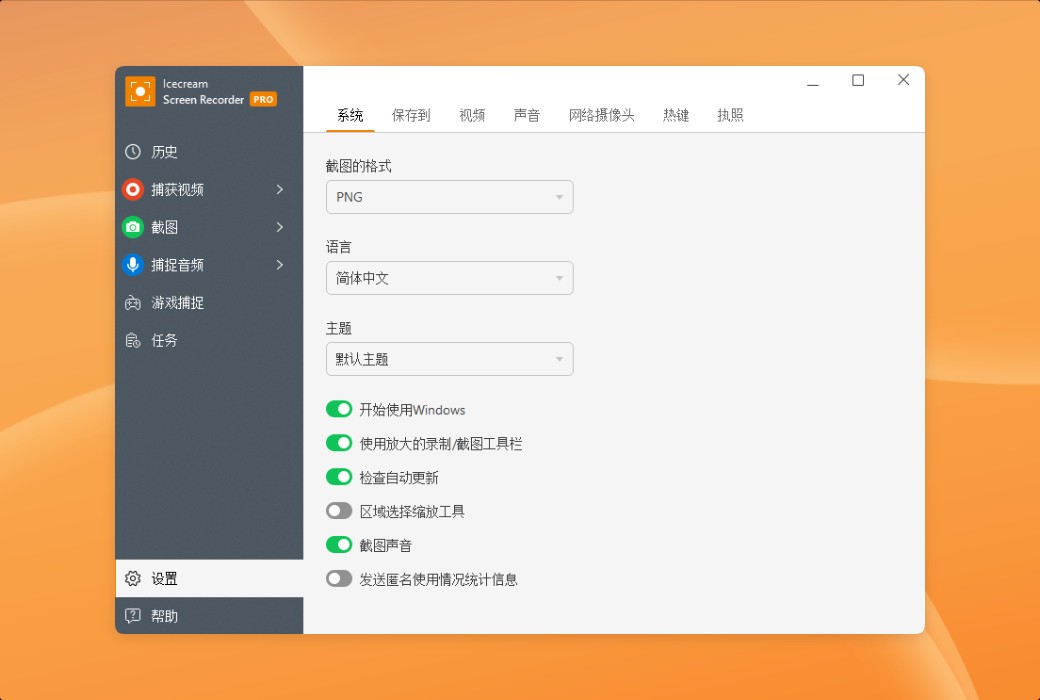
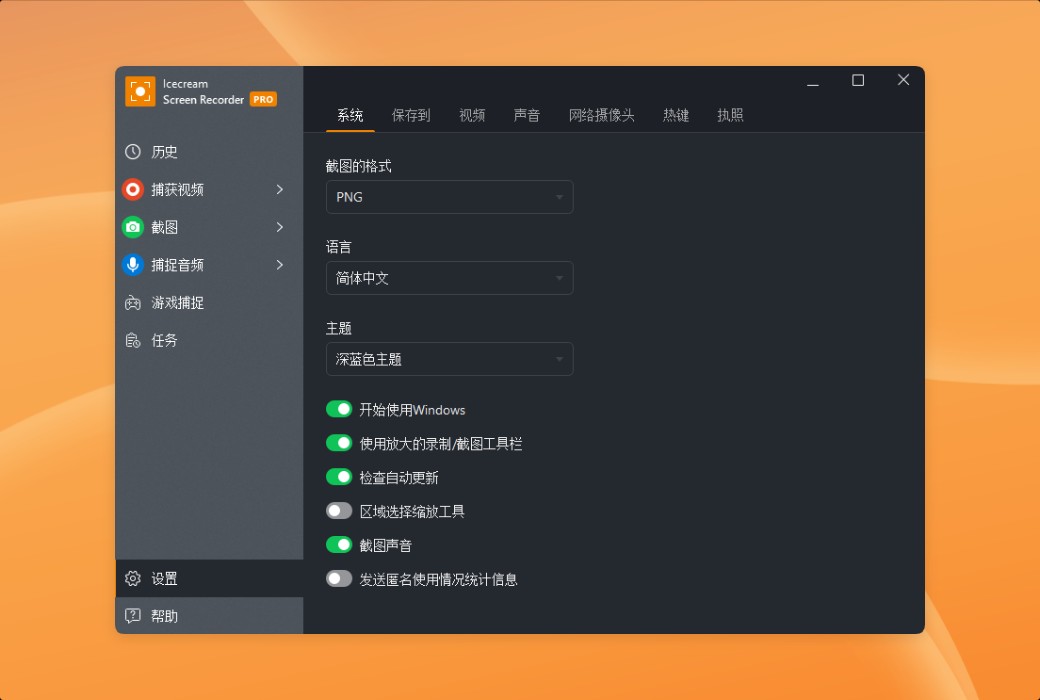
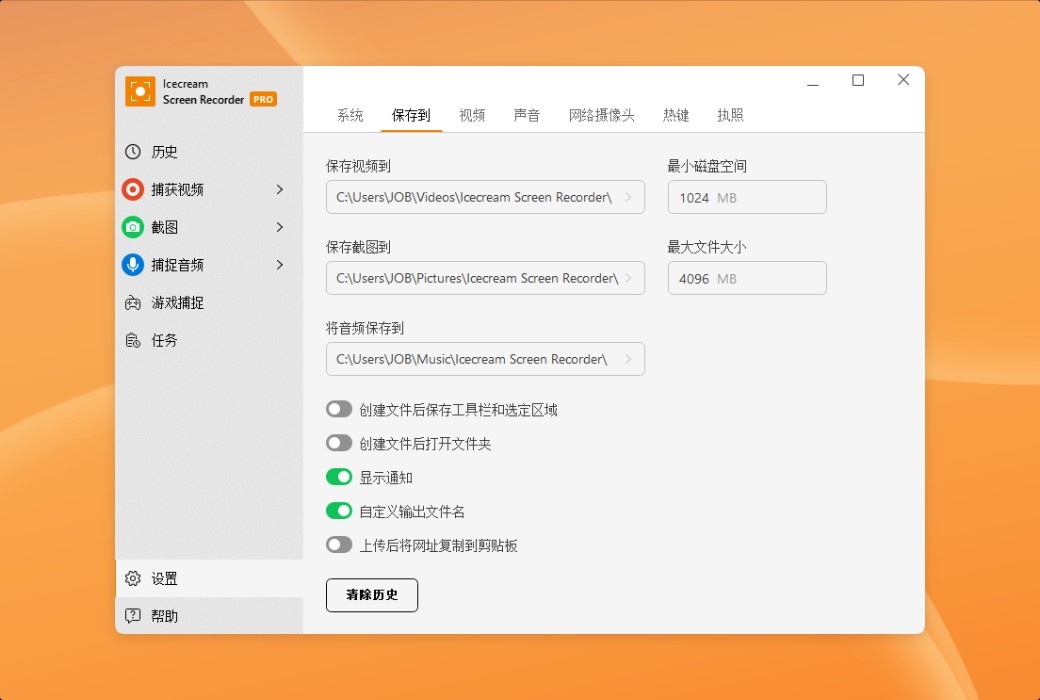
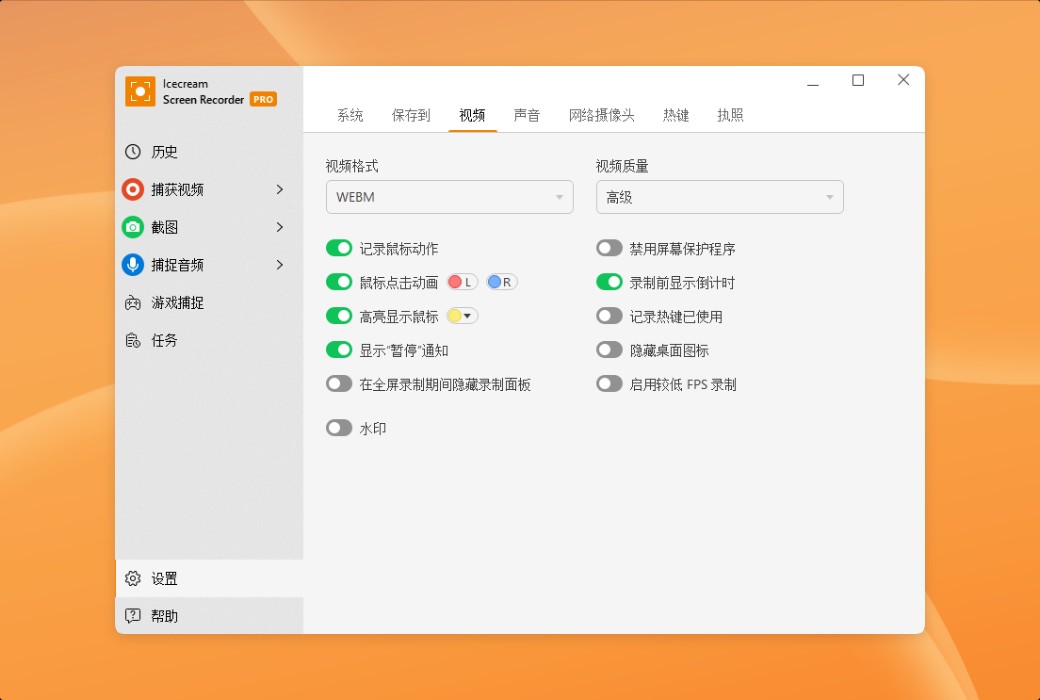
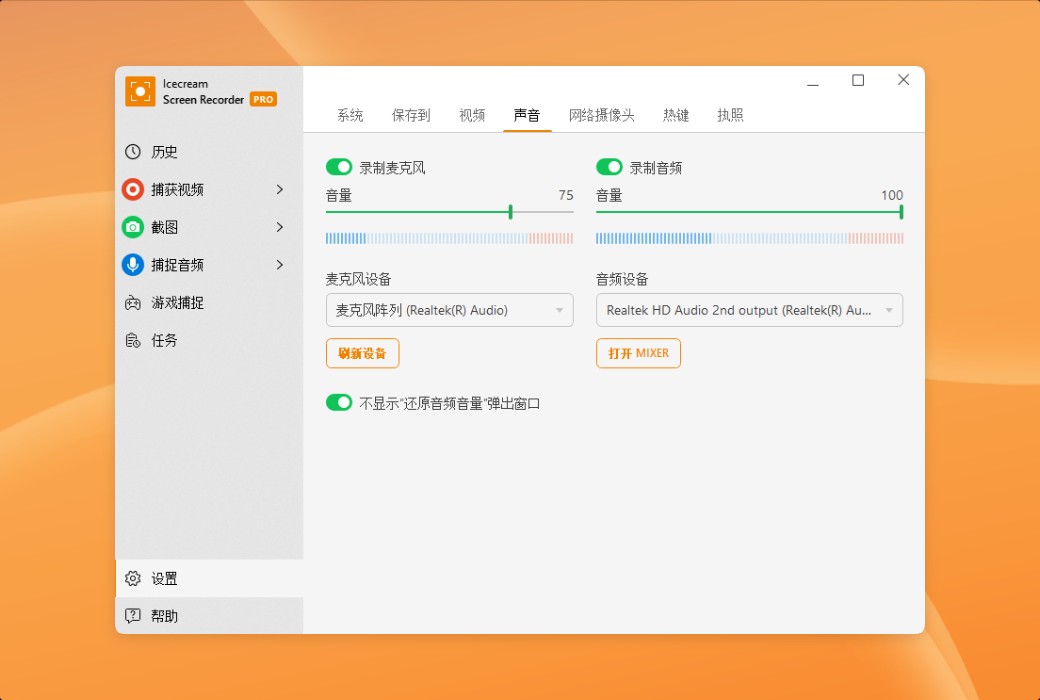
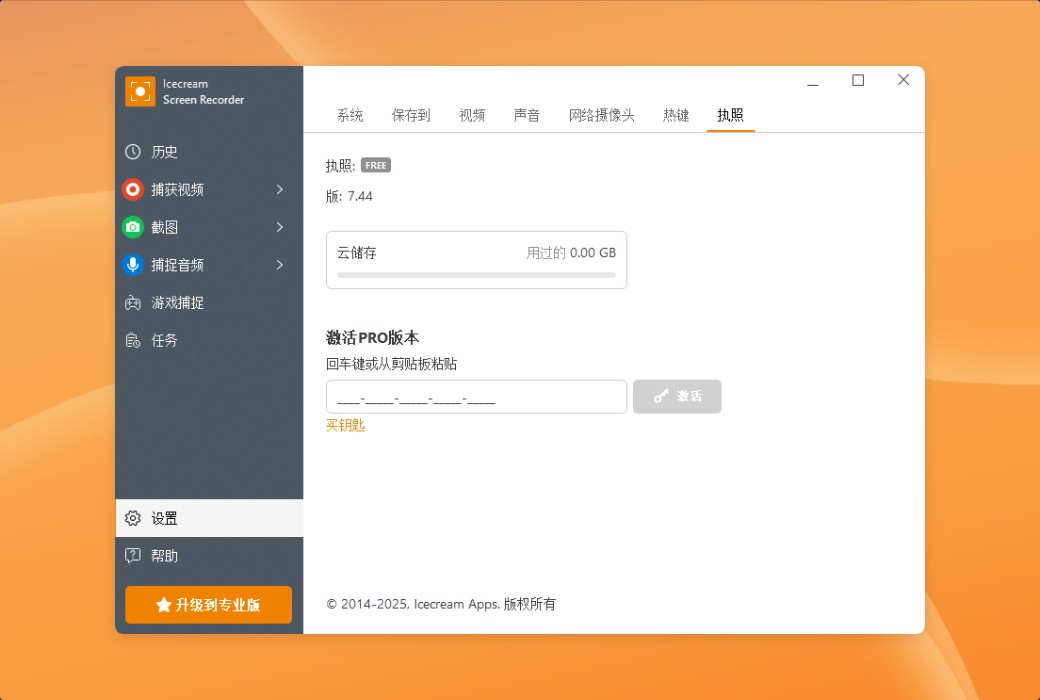
Icecream Screen Recorder is a multifunctional screen recording tool software截图 Icecream Screen Recorder is a multifunctional screen recording tool software截图 Icecream Screen Recorder is a multifunctional screen recording tool software截图 Icecream Screen Recorder is a multifunctional screen recording tool software截图 Icecream Screen Recorder is a multifunctional screen recording tool software截图 Icecream Screen Recorder is a multifunctional screen recording tool software截图 Icecream Screen Recorder is a multifunctional screen recording tool software截图 Icecream Screen Recorder is a multifunctional screen recording tool software截图 Icecream Screen Recorder is a multifunctional screen recording tool software截图 Icecream Screen Recorder is a multifunctional screen recording tool software截图 Icecream Screen Recorder is a multifunctional screen recording tool software截图 Icecream Screen Recorder is a multifunctional screen recording tool software截图 Icecream Screen Recorder is a multifunctional screen recording tool software截图 Icecream Screen Recorder is a multifunctional screen recording tool software截图 Icecream Screen Recorder is a multifunctional screen recording tool software截图 Icecream Screen Recorder is a multifunctional screen recording tool software截图 Icecream Screen Recorder is a multifunctional screen recording tool software截图 Icecream Screen Recorder is a multifunctional screen recording tool software截图 Icecream Screen Recorder is a multifunctional screen recording tool software截图 Icecream Screen Recorder is a multifunctional screen recording tool software截图 Icecream Screen Recorder is a multifunctional screen recording tool software截图
Download
Icecream Screen Recorder is a multifunctional screen recording tool software Cyprus
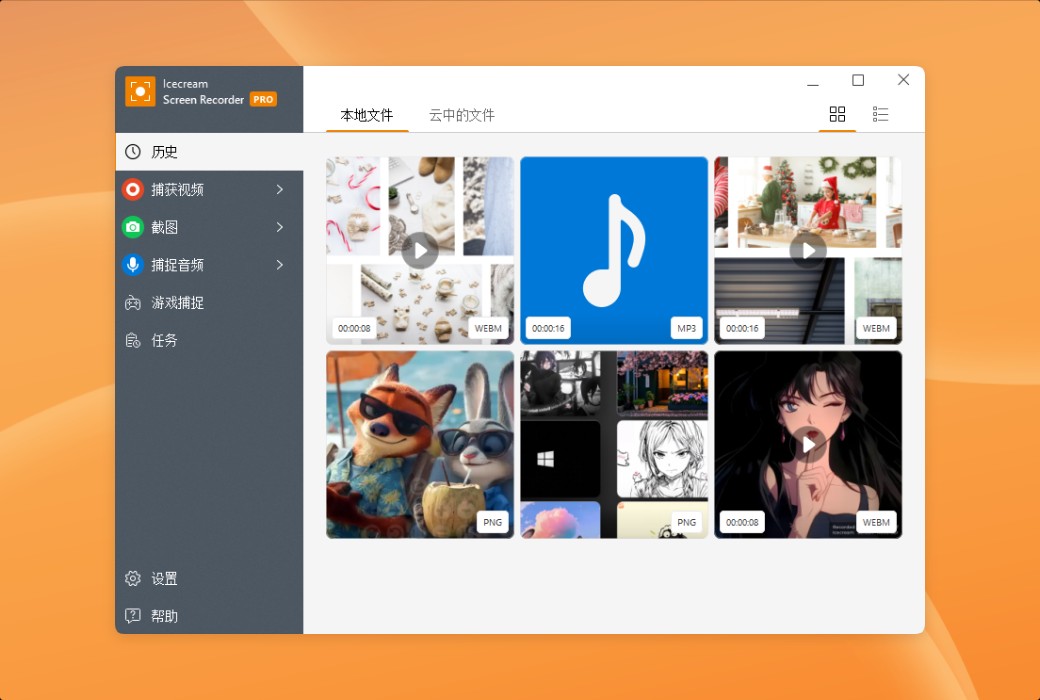
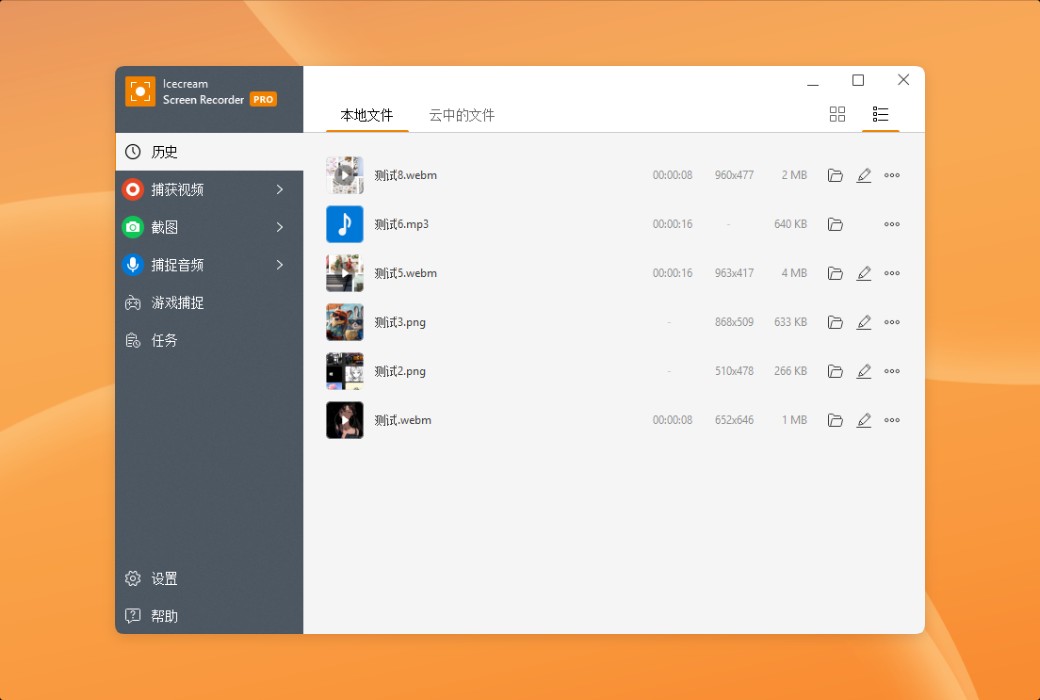
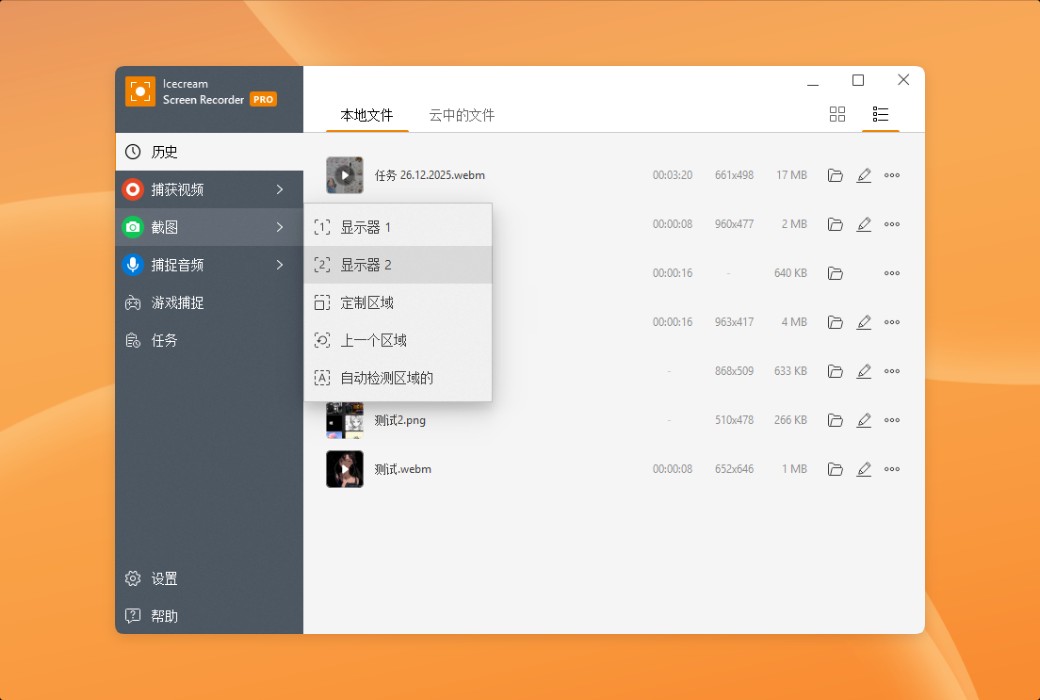
Icecream Screen Recorder is a multifunctional screen recording software that can record screens and audio, supporting region selection, editing functions, and instant sharing. It also has the functions of planning recording and screenshot, providing free and professional versions, with simple operation, suitable for various recording needs.
Expire:
Lifetime
* Purchase this specification to receive the following gifts : ( Buy 1 or more items and the offer is valid until stock lasts )
x {{ item.count }}
{{ info.promotion.title }}
Note: In seckill, once sold out, the original price will be restored!
Hurry! Limited-time offer ends soon!
Currently available last {{ sku.promotion_count }} items
{{ info.advancePromotion.title }}
Preview of seckill, event price: {{ info.advancePromotion.skus_infos[sku.sku].promotion_price }} CNY
The inventory available for seckill is {{ info.advancePromotion.skus_infos[sku.sku].promotion_count }} items
Retail Price
Specifications
Not Selected
Group Buying
There is currently no Group Buying available, please open a group
{{ item.spec_desc }}
{{ item.user.nickname }} In {{ item.created_at }} Start Still need {{ item.left_count }}x Pending Group Buying, some users have not paid
Join

Activity Rules

1、Activity time:{{ info.groupon.start_at }} ~ {{ info.groupon.end_at }}。

1、Activity time:cease when sold out。

2、Validity period of the Group Buying:{{ info.groupon.expire_days * 24 }} hours。

3、Number of Group Buying:{{ info.groupon.need_count }}x。

Please Pay Attention

1、Teamwork process: Join/initiate a Group Buying and make a successful payment - Within the validity period, the number of team members meets the activity requirements - Group Buying succeeded!

2、If the number of participants cannot be met within the valid period, the group will fail, and the paid amount will be refunded in the original way.

3、The number of people required and the time of the event may vary among different products. Please pay attention to the rules of the event.

{{ item }} ({{ app.qa.questionsData.total }})

Use Icecream Screen Recorder to easily record screens and audio. Record applications, webinars, tutorials, live broadcasts, and other content to enhance your work efficiency!


Main functions


  1. screen recording

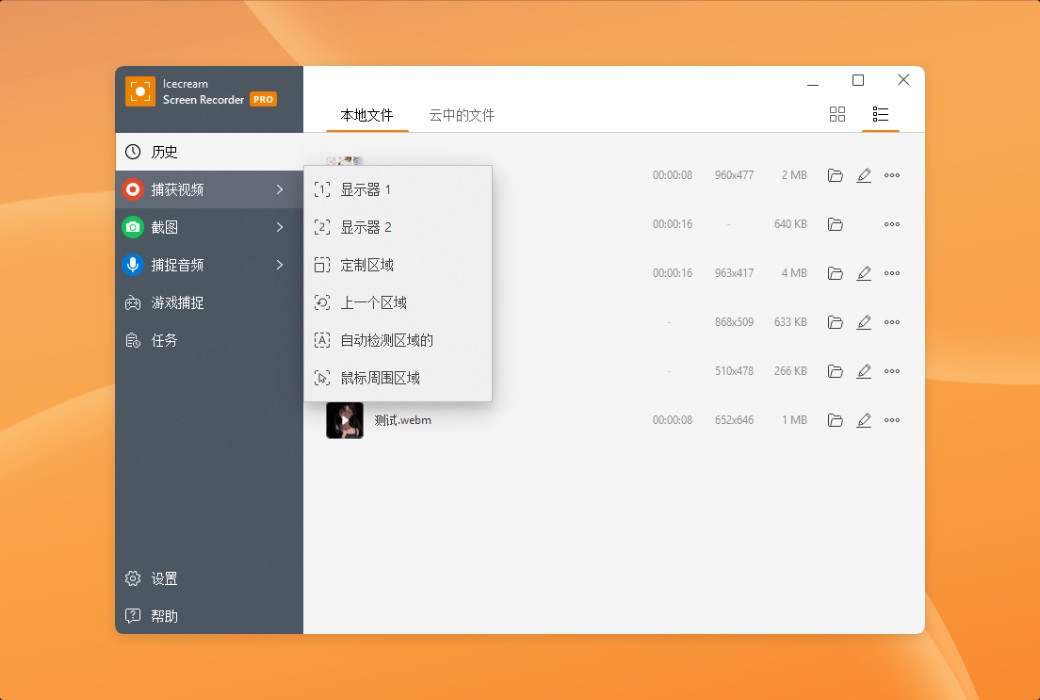
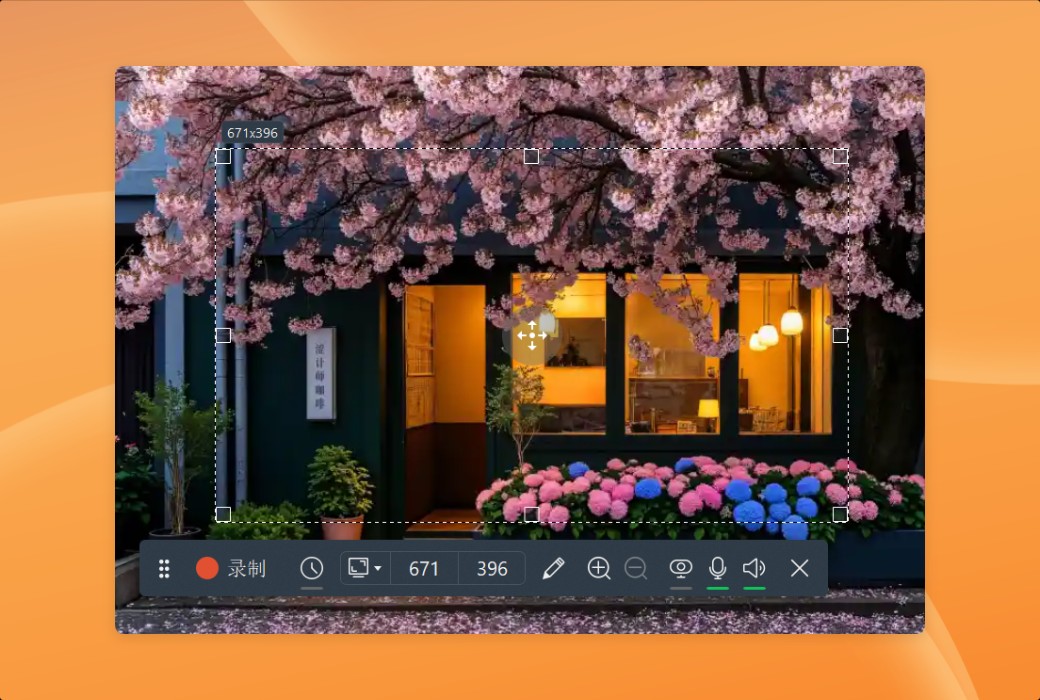
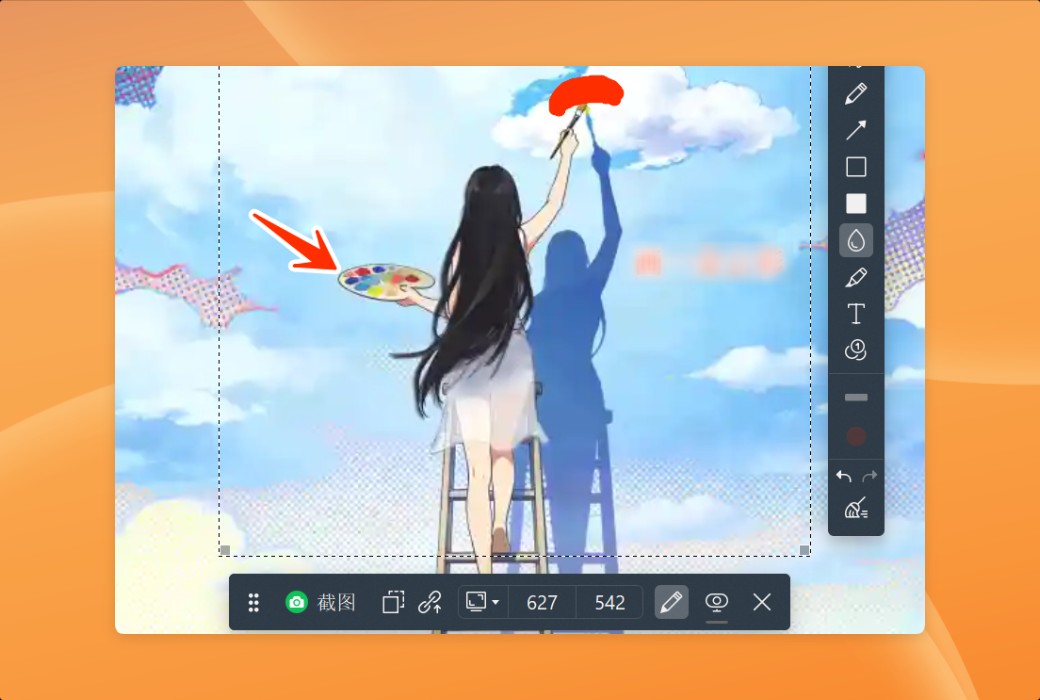
Whether you want to record the entire screen or a specific area, our screen recording software can easily achieve it. You can flexibly record any monitor on your computer, and the operation has never been so simple!


  1. Annotate and edit recorded content

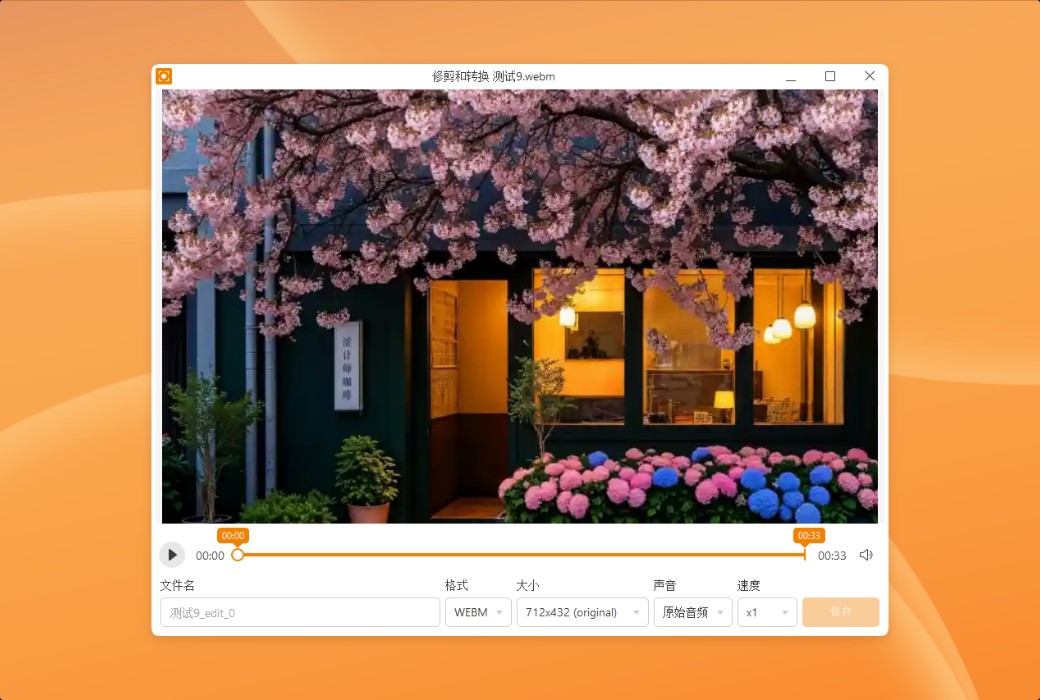
Enhance your screen recording content by drawing, adding text, arrows, and bullet comments. Our screen recording tool also provides convenient video editing functions, such as editing, adjusting playback speed, muting, and more.


  1. Instant sharing

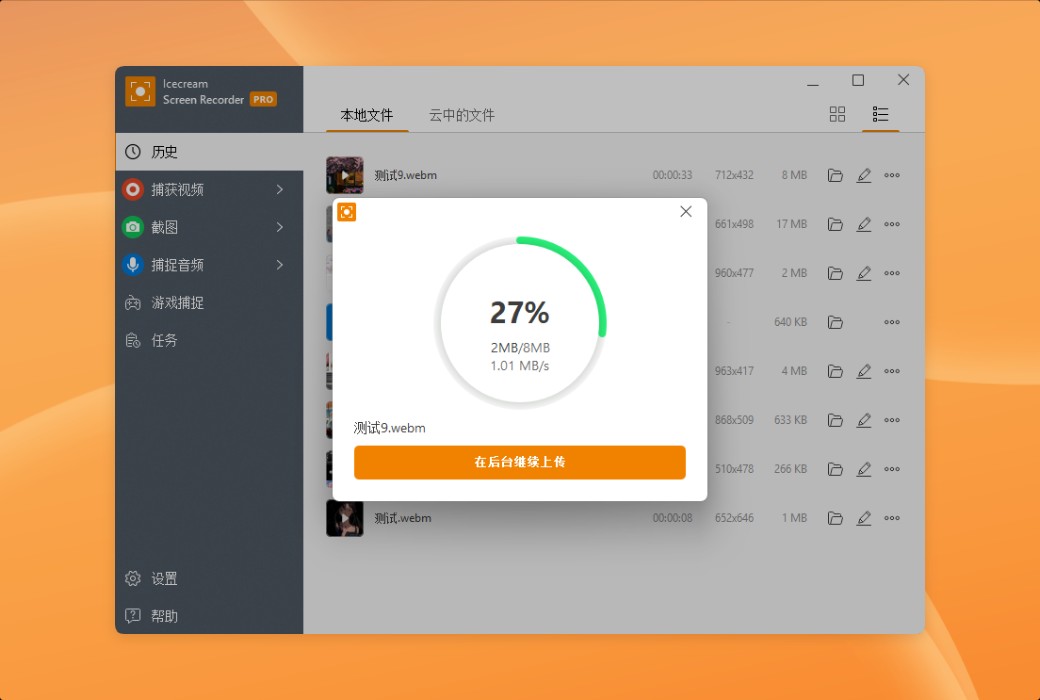
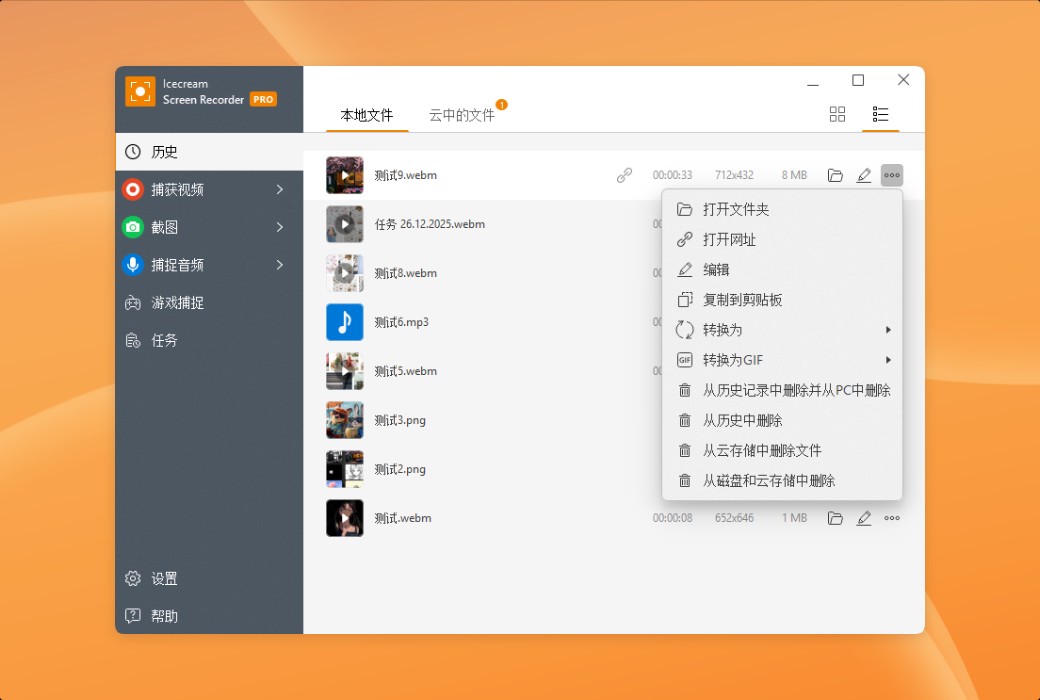
Just one click to record the screen and seamlessly upload the video to our server. Immediately share with colleagues or clients. In addition, you can also track the number of recorded views within the app.


  1. Windows 11/10 support

Our software perfectly supports all mainstream Windows operating systems, including Windows 11. However, the latest version refactoring and optimization make it the best Windows 10 screen recording tool.


Features


  1. Record camera footage:Add a camera window in screen recording for you to personally explain and comment on the video. Set the shape and size of the camera window.
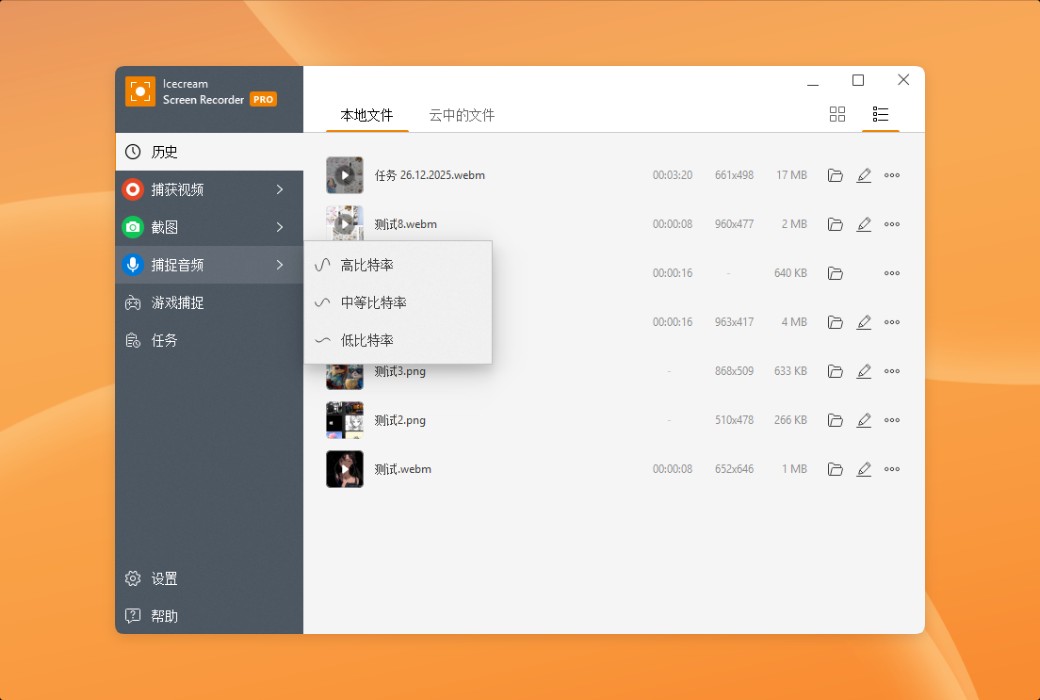
  2. Record audio:This computer screen recording software supports simultaneous recording of computer audio and microphone sound. You can provide commentary and play background music while recording screen activities.
  3. Add logo:Upload an image as a watermark for recording a video. Set the position and opacity of the image within the selected area.
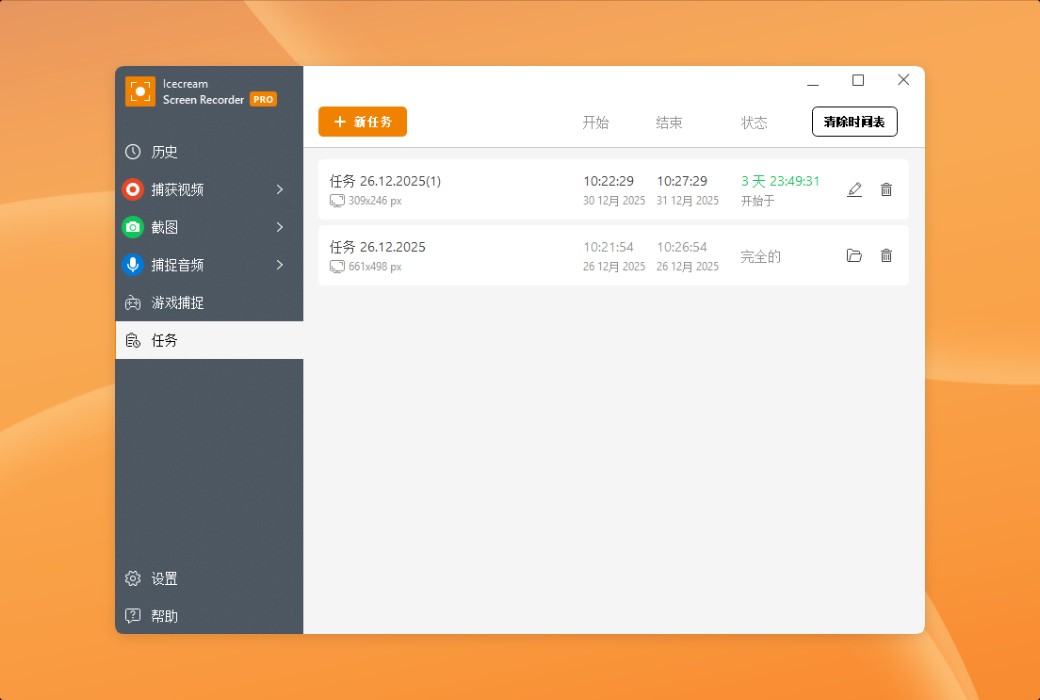
  4. Timed screen recording:Set the start and end dates and times for screen recording to record the entire screen or specific areas. The recording process will automatically start according to the set time.
  5. Display shortcut keys:Enabling this feature displays shortcut key combinations used during screen recording on Windows systems.


Icecream Screen Recorder is a multifunctional screen recording tool software LOGO

Official website:https://icecreamapps.com/Screen-Recorder/

Download Center:https://screen-recorder.apsgo.cn

Delivery time:Manual online processing

Operating Platform:Windows

Interface language:Supports Chinese interface display and multiple language options.

Update Description:Use and update during the subscription period.

Trial before purchase:Free trial is available before purchase.

How to receive goods:After purchase, the activation information will be sent to the email address at the time of placing the order, and the corresponding product activation code can be viewed in the personal center, My Orders.

Number of devices:Can install one computer.

Replace computer:Need to contact the official for manual transfer.

Activation guidance:To be added.

Special note:To be added.

reference material:https://icecreamapps.com/Screen-Recorder/

Any question

Submit
Ask a question
All FAQ Activate Default Newest